
How to Display Inventory to your Customers
If you are using Inventory and would like to display to your customers how many of a given item is left, follow these steps:
- Select the item and click the gear box to access the options pane.
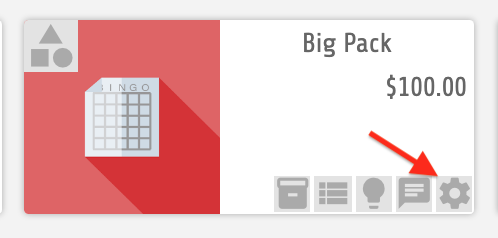
The gear icon access the item option pane.
- Tick the Advanced checkbox to display the advanced options. This step may already be completed from a previous operation.
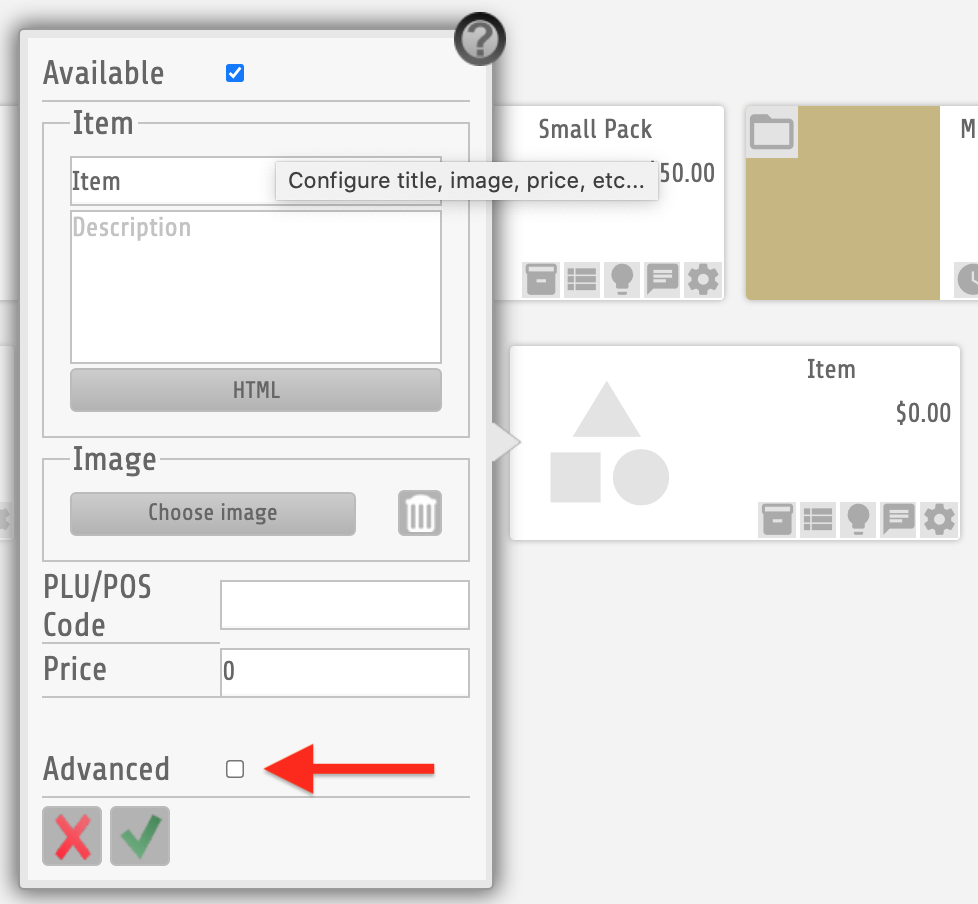
Tick Advanced checkbox to display the advanced options
- Add a CSS Class that will tell the system to display inventory on the live app.
Use code ClassDisplayInventory
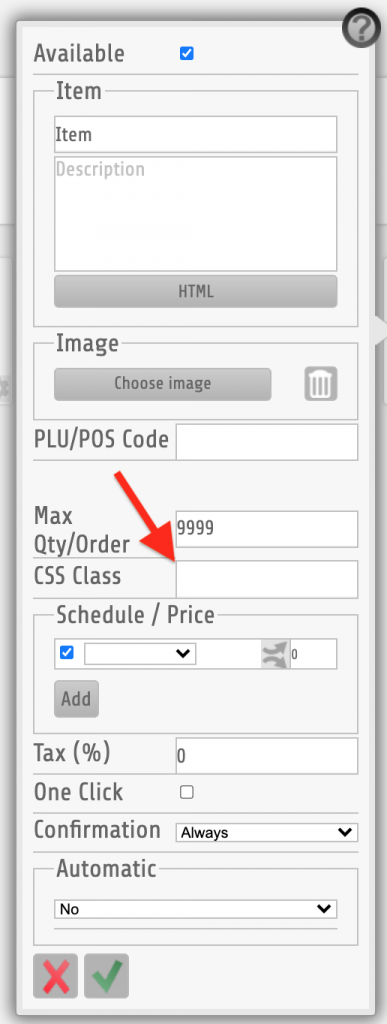
Use code ClassDisplayInventory on the CSS Class box.